
Use these instructions for removing any individual from your roster except career firefighters at paid and part-paid departments in Alabama
Select Roster Changes. If you have been granted chief/designee permission and your department is a paid or part-paid department in Alabama, you will see all 4 options. All other departments will see Add and Remove Personnel. If you have access to multiple departments, verify the correct department is listed:
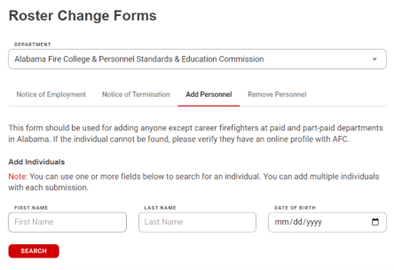
Select the Remove Personnel tab. Search for the individual you want to remove. Search by last name (including partial word search). The list will show individuals on your roster:
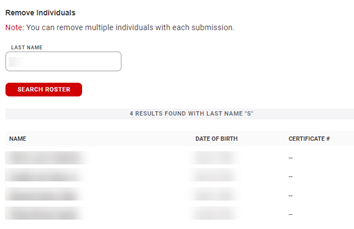
When you locate the individual, select their name. You can search again and add multiple individuals. Once all individuals have been added you can select Submit Personnel Change:
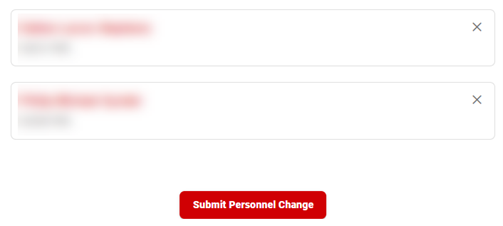
Individuals selected will be removed from your roster.